

Goldsky
This guide explains the differences between Goldsky’s products. It also shows how you can use them individually or together. Goldsky has two main products, Subgraphs and Mirror. Both help developers work with on-chain data from Sei more efficiently. The two tools have similar goals: to retrieve, process, and query blockchain data. They differ significantly in how they handle data management, scalability, and customization. If you are ready to start, see the Goldsky quickstart guide for indexing Sei.How to choose between Subgraphs and Mirror
Subgraphs: Structured, query-based data retrieval
Overview:- Subgraphs support on-chain data from EVM-compatible chains only. On Sei, they support only Sei EVM.
- The data model is optimized for on-chain data. The entities and data types that you define in subgraphs are designed to represent blockchain data efficiently.
- You can create relationships and aggregations between on-chain entities. For example, you can track the balance of a user for specific tokens.
- You can enrich entity data with other on-chain sources through
eth_call. However, you cannot integrate off-chain data.
- Getting all transactions for a specific wallet address.
- Querying detailed event logs from a smart contract, such as token transfers or contract interactions.
- Building dashboards or analytics tools that query data periodically.
- You can define custom data models that match your needs.
- Queries return results quickly because the data is pre-indexed.
- GraphQL gives you the flexibility to create custom queries for your application.
Mirror: Real-time data streaming pipelines
Overview:- The data model is flexible and accepts any type of data. You can combine blockchain data with your own data for more complex and customizable use cases.
- With Transforms, you can also process data before it is written to your database. You can pre-process it with a SQL dialect, and you can do external processing on your HTTP endpoint.
- Streaming every block’s data directly into a database for real-time analysis.
- Capturing real-time price updates or liquidity changes in DeFi protocols.
- Feeding live data into machine learning models for predictive analytics.
- Mirror pushes data directly to your database as new events occur on-chain.
- Mirror scales to ingest data from multiple blockchain networks into a centralized database.
- Latency is minimal, so Mirror is ideal for use cases that need data to be available immediately.
Mirror data sources available
Sei EVM: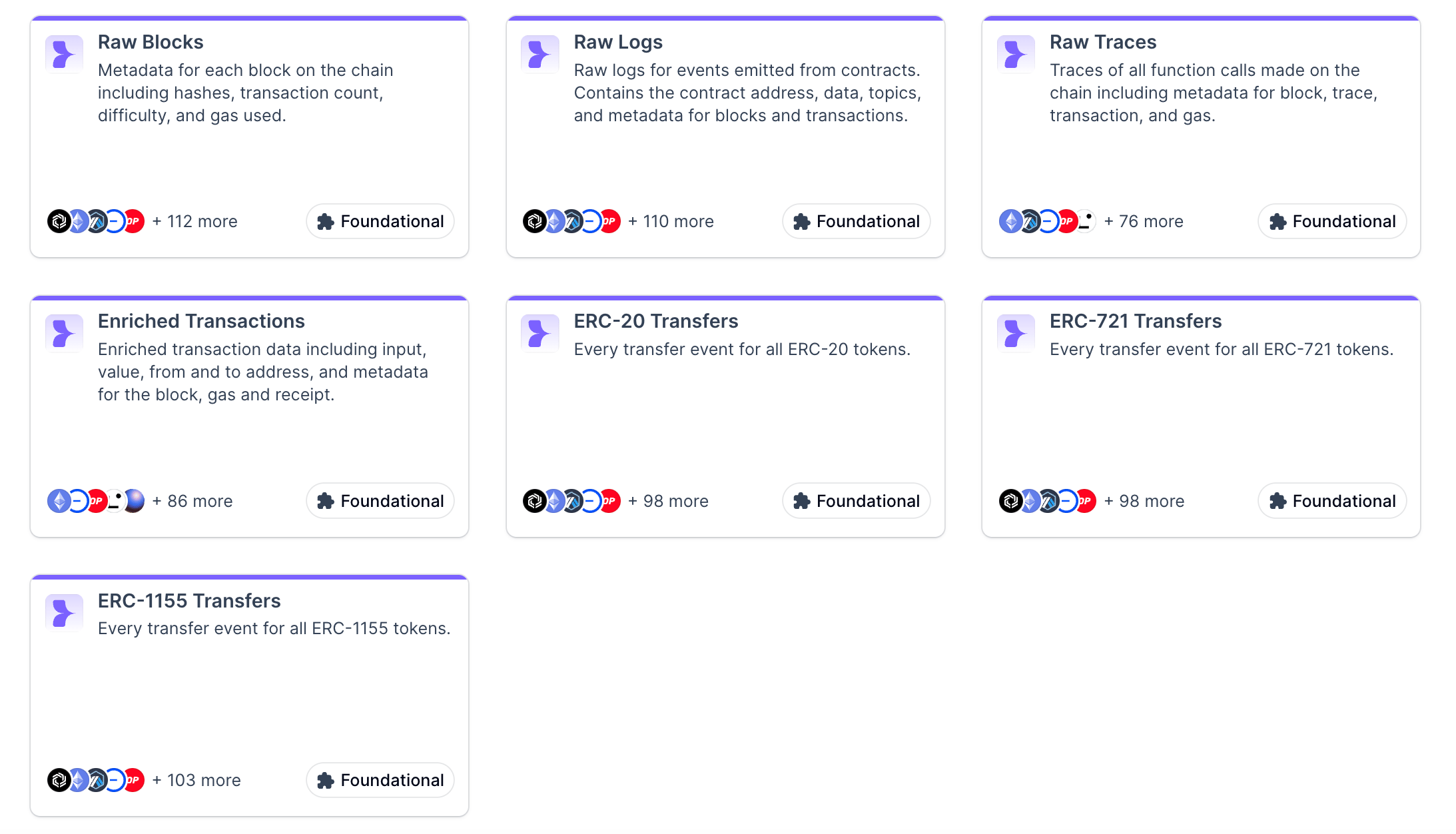
Decision guide: Subgraphs vs. Mirror
Subgraphs- If you need to query specific Sei EVM data points or historical records, use Subgraphs.
- Subgraphs are best for applications that use only on-chain data and do not need off-chain sources.
- They are ideal for predefined data models, such as dApps that need to query specific smart contract events or run standard blockchain queries.
- They are a good fit for low-to-moderate traffic with relatively simple data structures and query needs.
- Mirror is a better fit for applications that need both on-chain and off-chain data. You can combine data sources for advanced analytics or decision-making.
- It is ideal for multichain applications, because it makes data easier to manage across different blockchains without reindexing. This is especially true if your application needs non-EVM data, such as Sei Cosmos data.
- It suits high-traffic applications, where low latency and real-time data access are critical to performance and user experience.
- A DeFi analytics dashboard: Use Subgraphs to get historical liquidity data and user interactions.
- A real-time trading bot: Use Mirror to stream price changes directly into your database, so that the bot can act instantly.
Getting started
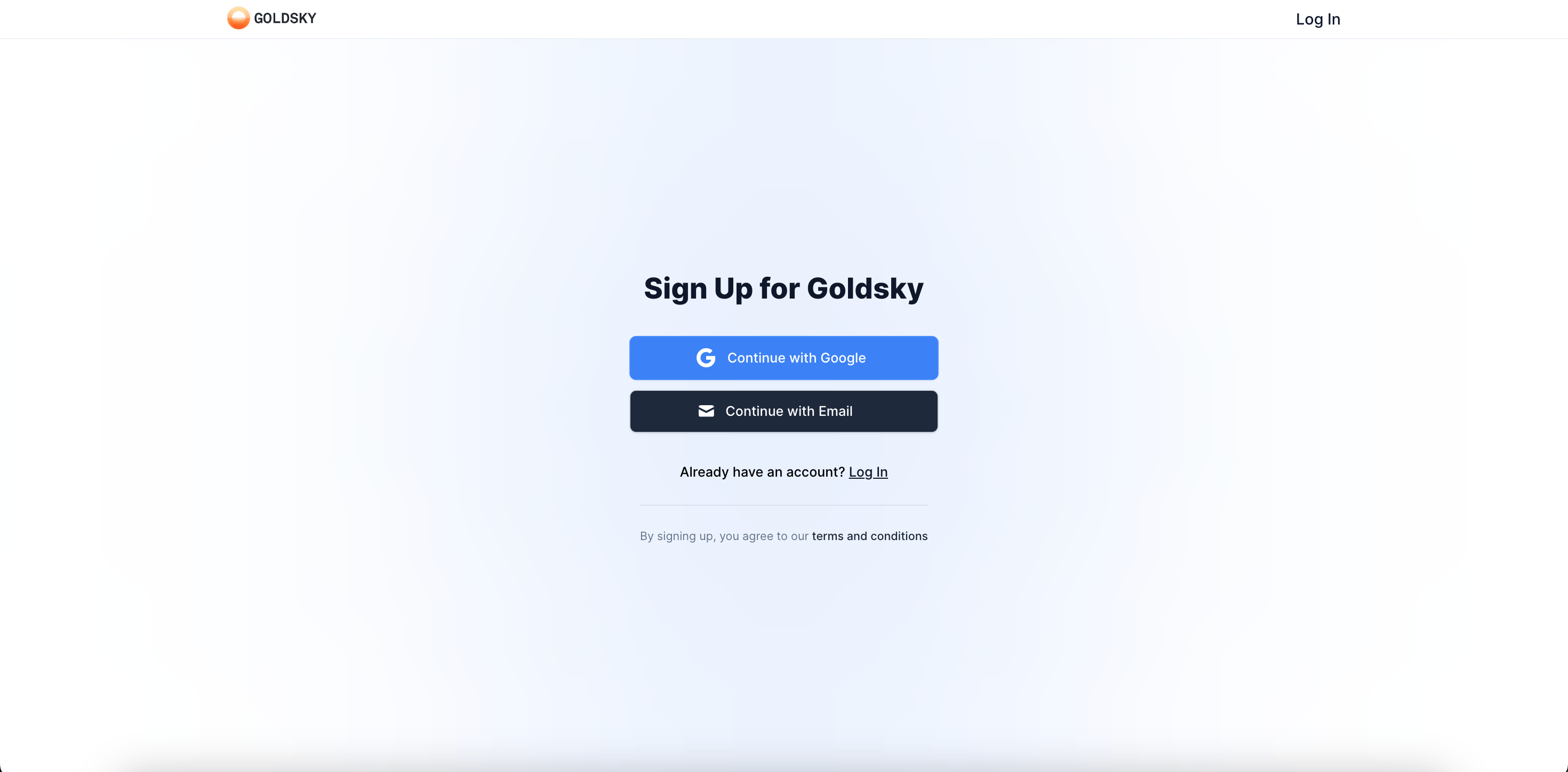
- Sign up for an account at https://app.goldsky.com/signup.
-
Install the Goldsky CLI:
- Go to your Project Settings page and create an API key.
-
In the Goldsky CLI, run
goldsky loginto log in to your project, and then paste your API key. -
After you log in, run
goldskyto get started.
Deploy a subgraph
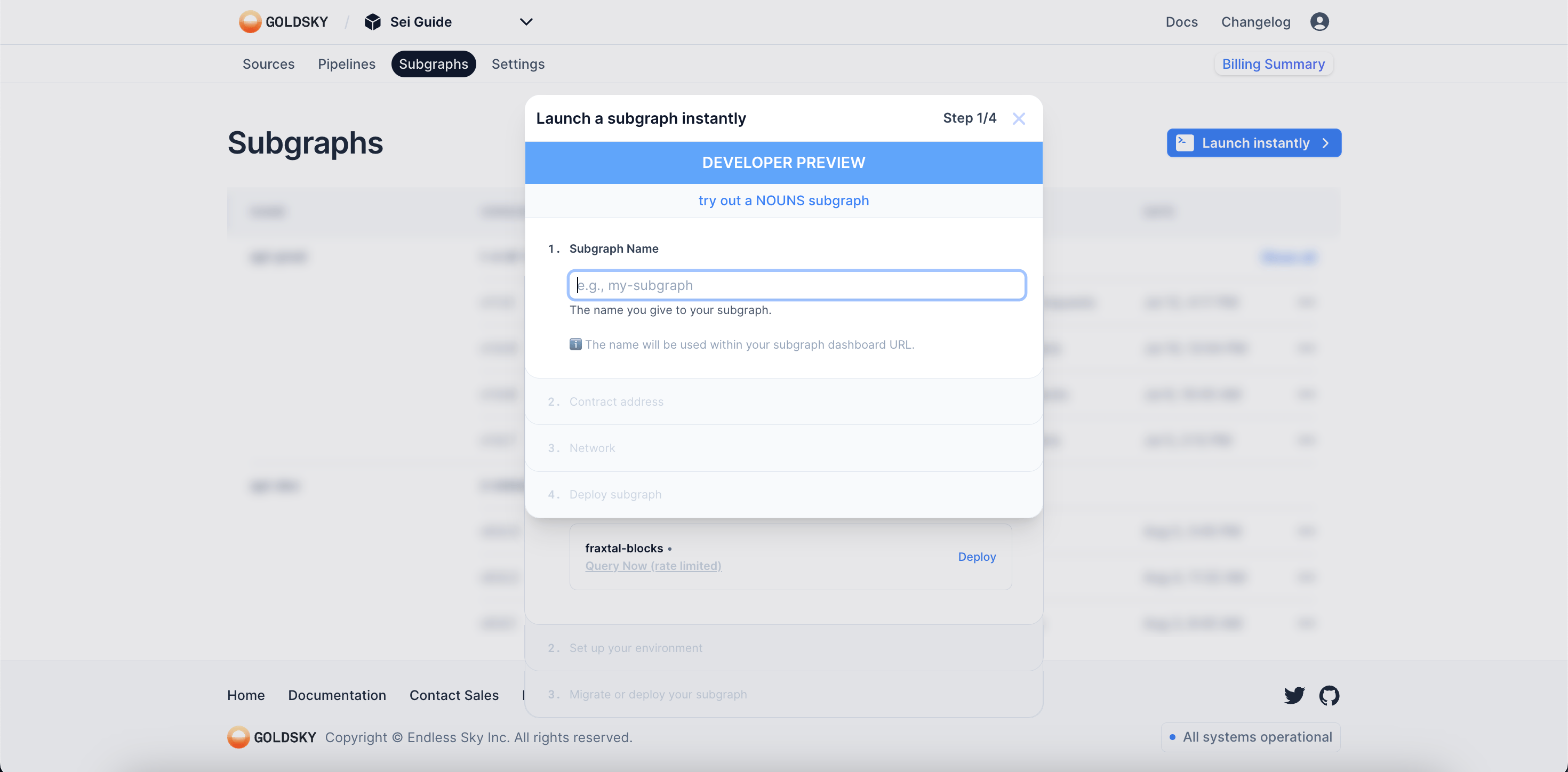
You can deploy a subgraph on Goldsky in three main ways:- From source code
- By migrating from The Graph or any other subgraph host
- With instant, no-code subgraphs
Deploy a pipeline
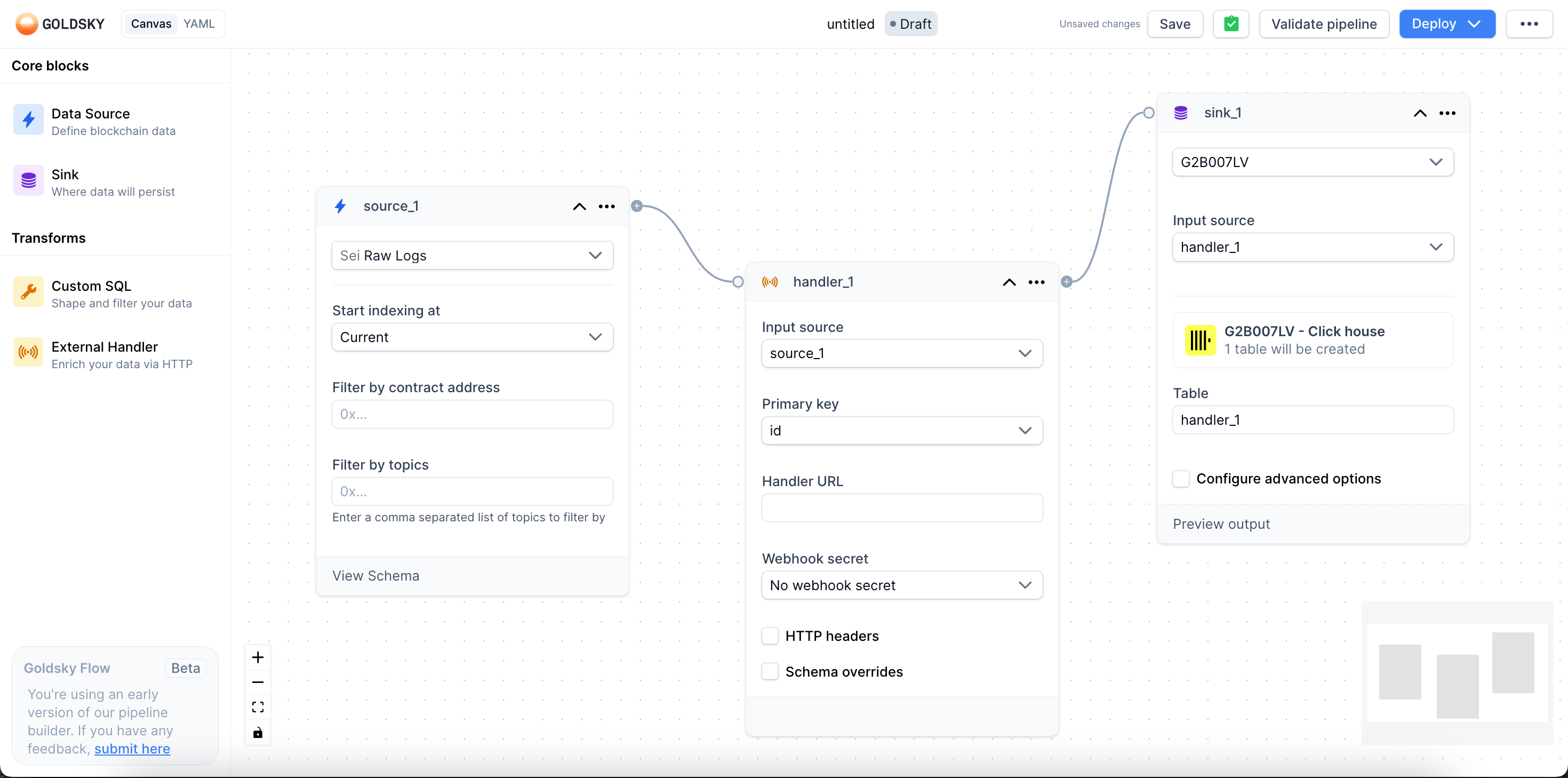
You can create a Goldsky Mirror pipeline in two ways:- Flow: Use the guided web experience in the dashboard.
- CLI: Use the CLI interactively, or give it a pipeline configuration.